

01
Open the cashier
Login via Play Now, then open Wallet or Cashier in the lobby.
This hub has no payment forms.
Deposit, withdraw and KYC basics
Fund AdmiralBet after login through the official cashier. Keep billing details aligned with your profile and finish KYC early so withdrawals do not stall.
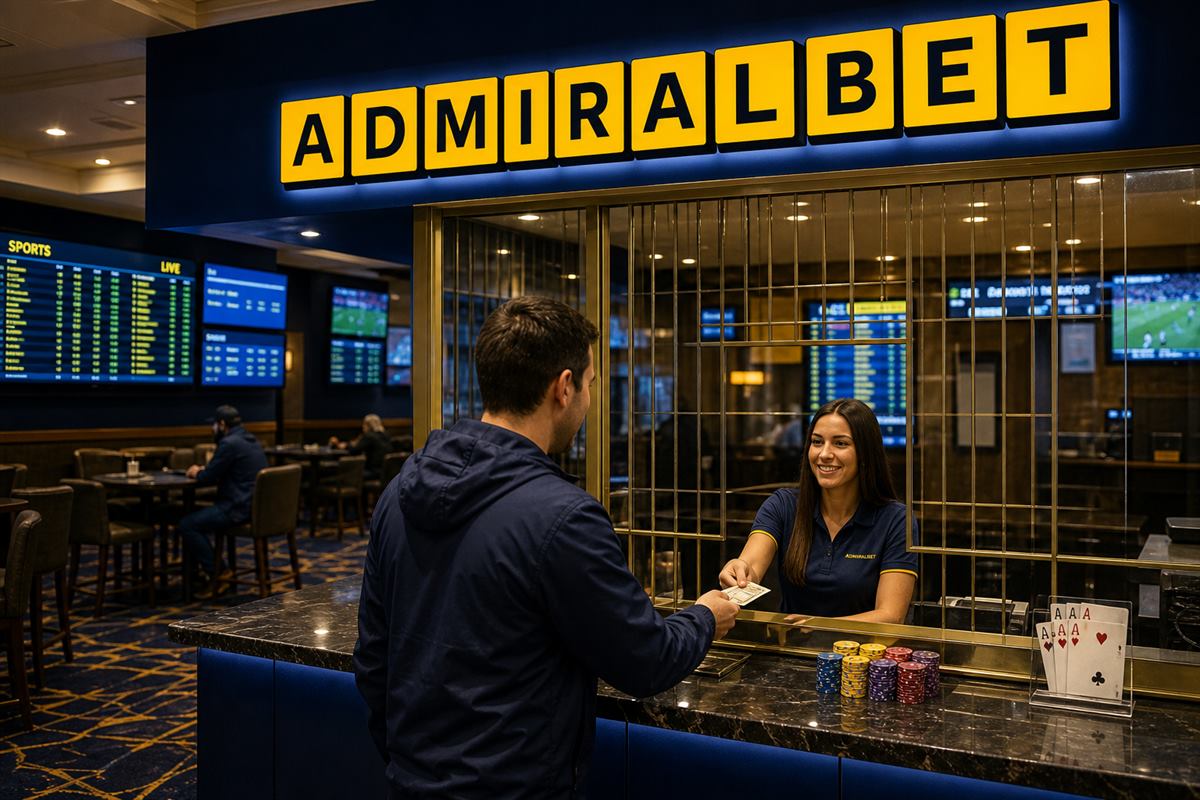
Practical steps for players.
Login via Play Now, then open Wallet or Cashier in the lobby.
This hub has no payment forms.
Start with a session-sized amount, not a weekend impulse.
Keep a written cap.
Withdraw with the same rail you used to deposit when the platform allows it.
Switching methods can add checks.
Have ID and proof of address ready before a large cashout.
Clear, uncropped photos help.
Deposits are often faster than withdrawals.
Pending status is normal — do not restake that balance.
Active wagering can hold part of the balance.
Read Promotions before you request a cashout.
Retry once, then check with the payment provider.
Save the reference ID.
Use the wallet currency you opened the account with.
Avoid extra conversion if you can.
Screenshot the cashier receipt before you write to help.
IDs solve most payment tickets.
Straight answers for login, bonus, odds, slots, crash and cashier.
Open Play Now, sign in, open the cashier, pick a method you own, and fund a planned amount.
Times vary by method and KYC status. Pending is common. Check the cashier history.
Unfinished KYC, bonus wagering or a name mismatch are the usual reasons.
No. Never enter card numbers here. Payments belong on the live AdmiralBet cashier.
Yes. Early verification is smoother than uploading documents after a win.
Official path to lobby, odds, slots, crash and live tables.